What it does
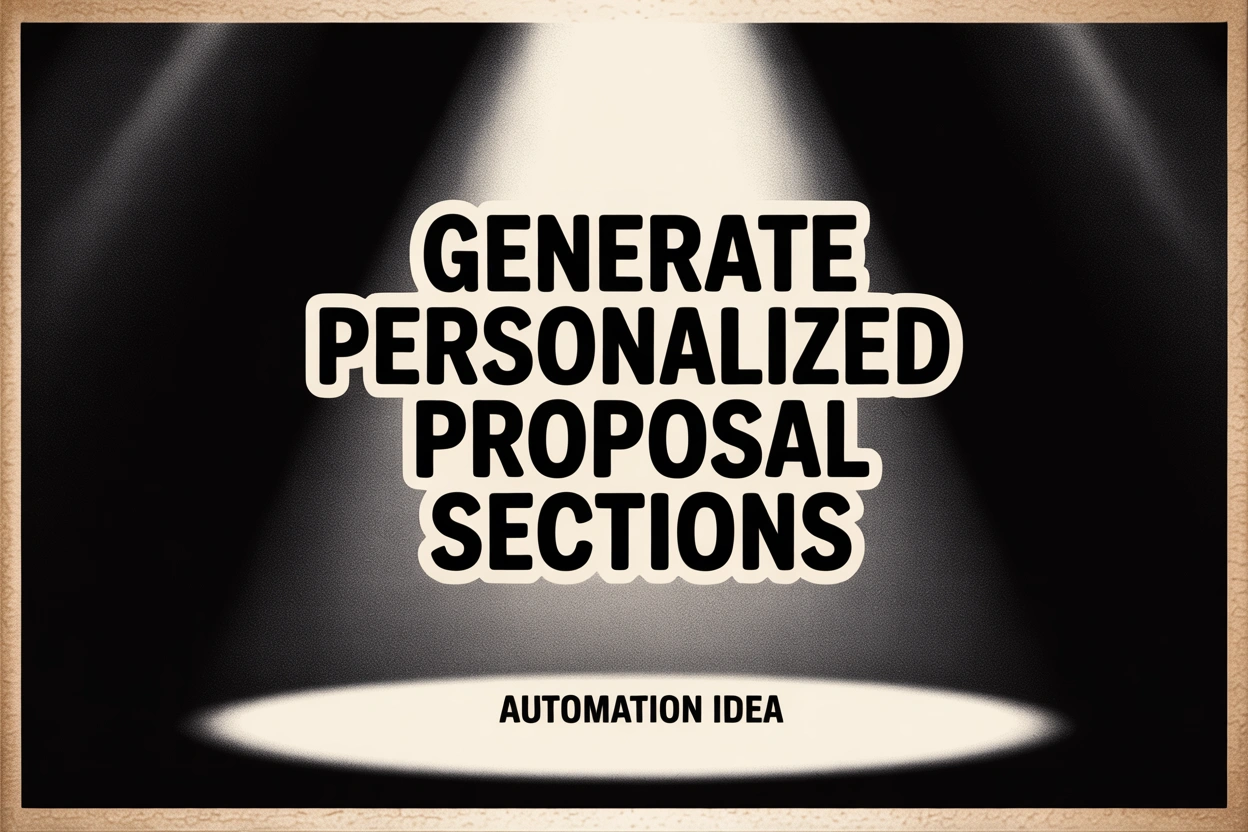
Uses past wins, industry language, and CRM data to draught proposal sections (overview, ROI, case studies) automatically in Google Docs.
Why I recommend it
Sales teams waste time rewriting similar sections. Automation maintains quality while personalising details.
Expected benefits
- Shorter proposal turnaround
- Consistent messaging and branding
- Higher win rates thanks to tailored content
- Centralised knowledge of what messaging works
How it works
Pull relevant case studies and customer data -> Claude assembles sections based on template -> merges into master proposal doc with placeholders for pricing/legal.
Quick start
Feed AI a winning proposal plus new prospect data to test output.
Level-up version
Score content blocks by effectiveness, auto-insert dynamic ROI models, and push final doc into PandaDoc for e-sign.
Tools you can use
Docs: Google Docs, PandaDoc
CRM: HubSpot, Salesforce
AI: Claude
Automation: Zapier, Workato
Also works with
Grant proposals, agency SOWs, partnership decks.
Technical implementation solution
- No-code: Airtable of assets -> Zapier -> Claude -> Google Doc template.
- API-based: CRM webhook -> serverless function -> AI -> doc stored in Drive + Slack notification.
Where it gets tricky
Keeping case studies current, ensuring legal language is correct, and referencing accurate pricing/terms.