What it does
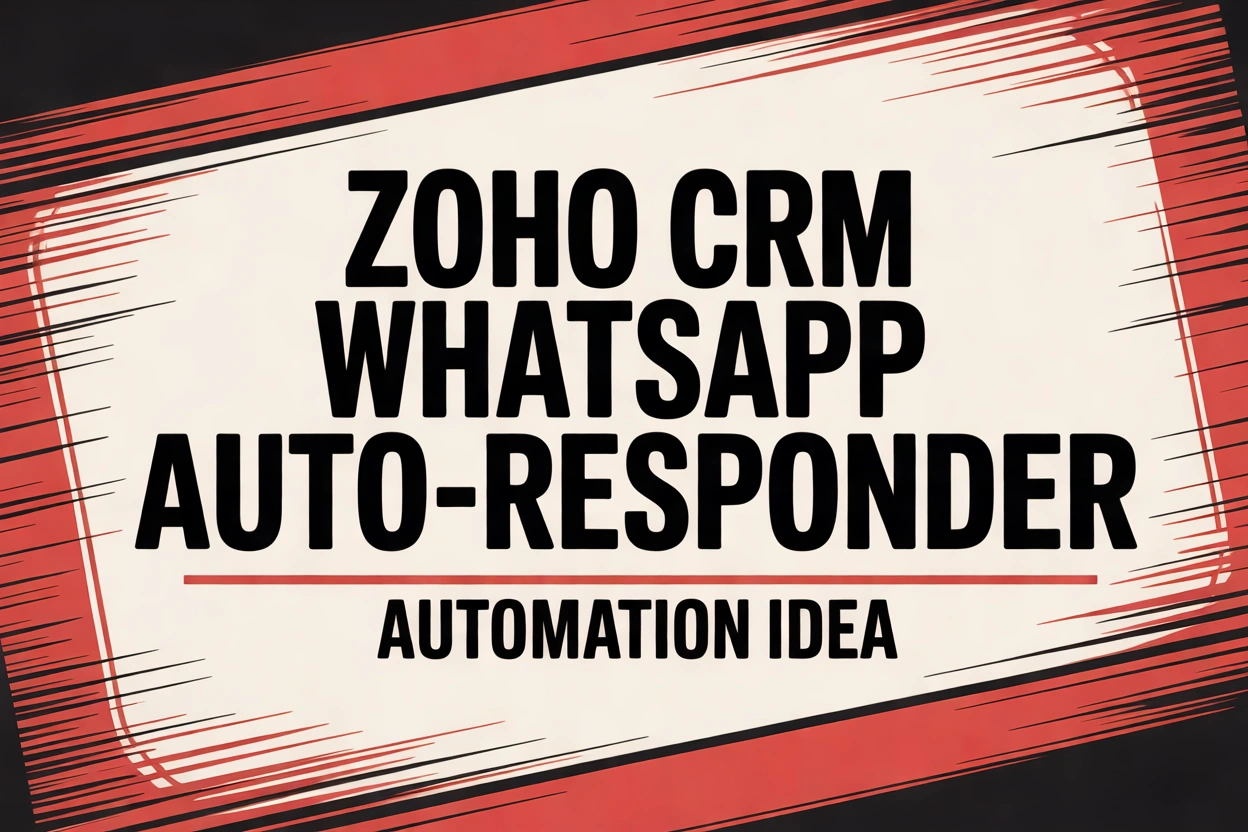
Sends a pre-approved WhatsApp template message to new Zoho leads, confirming receipt and offering next steps.
Why I recommend it
Fast replies increase conversion. WhatsApp is primary channel in many regions; automation keeps you responsive 24/7.
Expected benefits
- Higher lead-to-meeting rates
- Consistent messaging and compliance
- Better attribution for WhatsApp channel
- Less manual outreach for SDRs
How it works
Lead created -> check opt-in + region -> trigger Twilio/WhatsApp Business API to send template with personalization -> log activity and assign follow-up task.
Quick start
Manually send WhatsApp messages to a small cohort to test template effectiveness before automating.
Level-up version
Branch messages by source, include quick reply buttons, escalate hot replies to reps, and update lead status automatically.
Tools you can use
CRM: Zoho CRM
Messaging: WhatsApp Business API (Twilio, MessageBird)
Automation: Zoho Flow, Zapier
Compliance: Meta template approvals
Also works with
HubSpot, Salesforce, Freshsales.
Technical implementation solution
- No-code: Zoho workflow -> Twilio WhatsApp via Webhook -> update Zoho note.
- API-based: Serverless endpoint receives Zoho hook -> sends WhatsApp via API -> handles replies -> updates lead status.
Where it gets tricky
Obtaining opt-in and template approval, handling opt-outs, and respecting country-specific messaging rules.